

B2B Order Management
Software

Kladana Online Order App is a B2B order management software for wholesalers, distributors, retailers, and field sales teams — helping you take bulk orders online without building a website

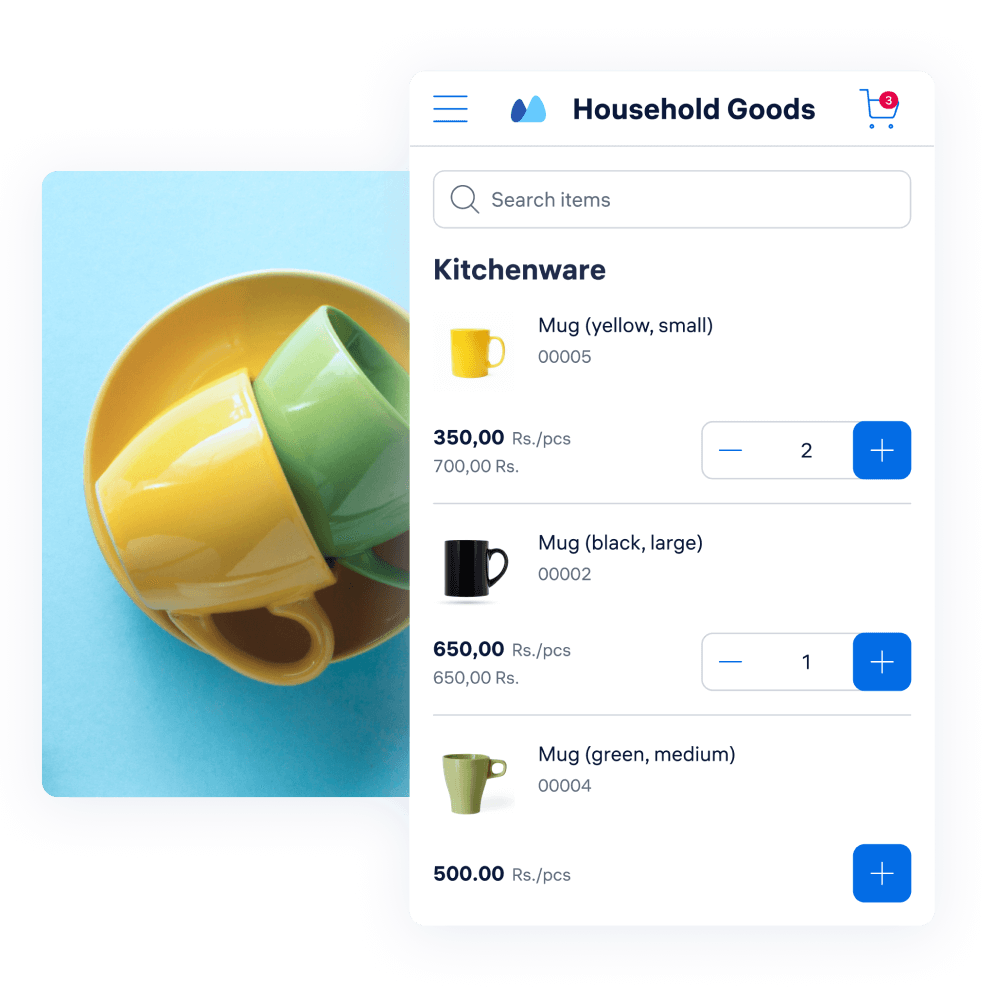
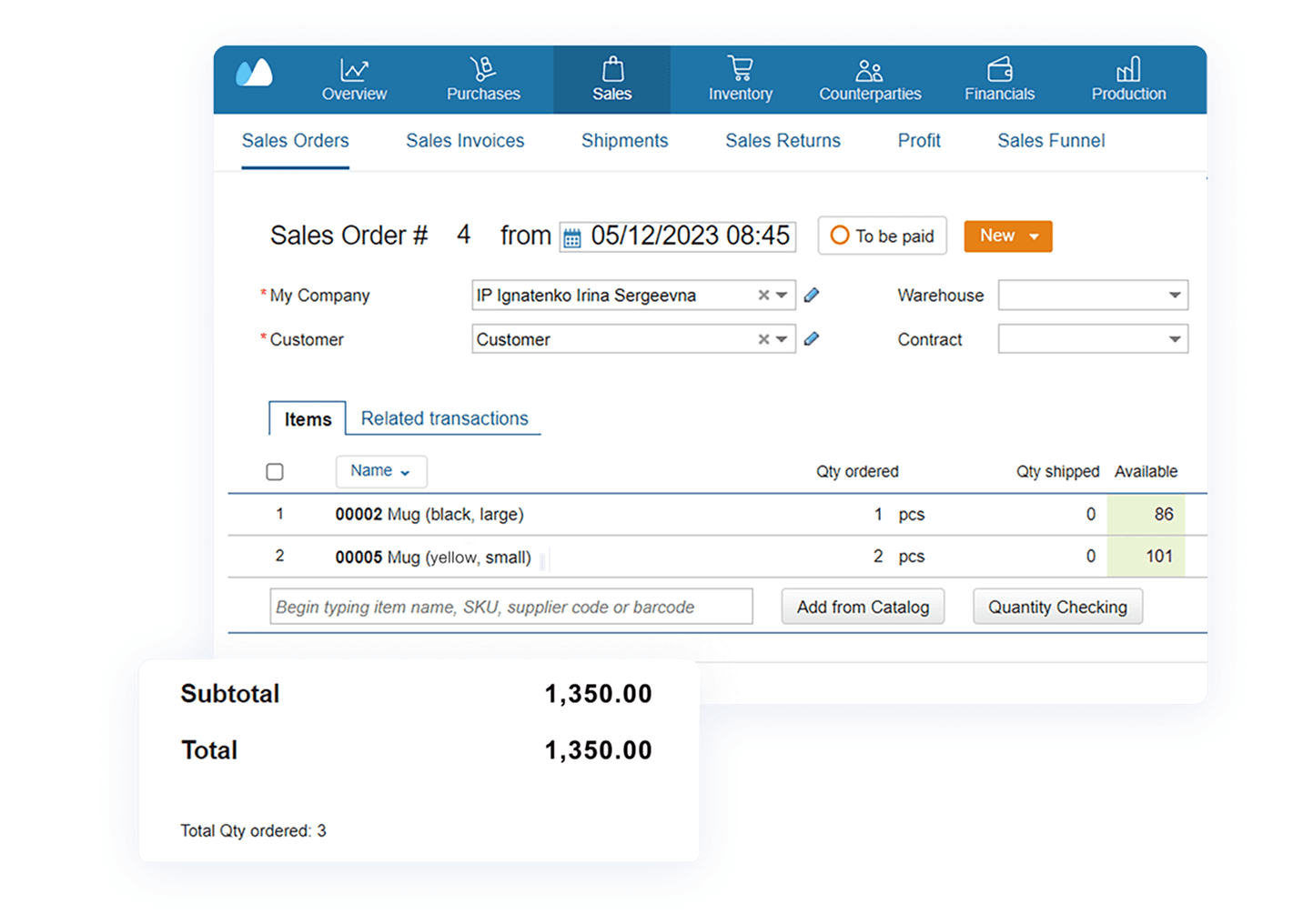
Interface of Kladana B2B OMS showing how wholesalers and distributors can accept bulk orders online without a website

Key Benefits of Kladana B2B OMS

Automated Order Entry
Receive bulk B2B orders online without emails, spreadsheets, or phone calls — all orders go straight into Kladana ERP for processing, reducing errors and speeding up your wholesale order management
Real‑Time Inventory Sync
Show accurate stock levels across all sales channels and multi‑location warehouses. Inventory updates instantly in your B2B order management system as orders are placed
Custom Price Lists
Provide individual price lists and quantity‑based discounts for each client or distributor. Prices sync automatically from Kladana ERP to your B2B ordering platform
Multi‑Channel Ordering
Use the app as a B2B ordering portal for wholesale buyers on your e‑commerce platforms, direct orders from distributors and retail chains, and on‑site orders at trade shows — all connected to one system

4‑Step Wholesale Order Management App

  1. Start your 14‑day free trial of Kladana ERP. Upload your product catalogue and launch the browser-based Online Order App — a B2B order management system designed for wholesale order processing
  2. Select the goods you want to offer. Create one public B2B catalogue or personal catalogues with custom prices for different customer groups to simplify your wholesale order management
  3. Send catalogue links to customers via social media, messengers, email, or ads. Buyers see real‑time stock, add goods to the cart, and place bulk B2B orders online through your B2B ordering portal
  4. All new orders instantly appear in Kladana ERP, ready for processing — from issuing invoices to shipping goods and syncing inventory
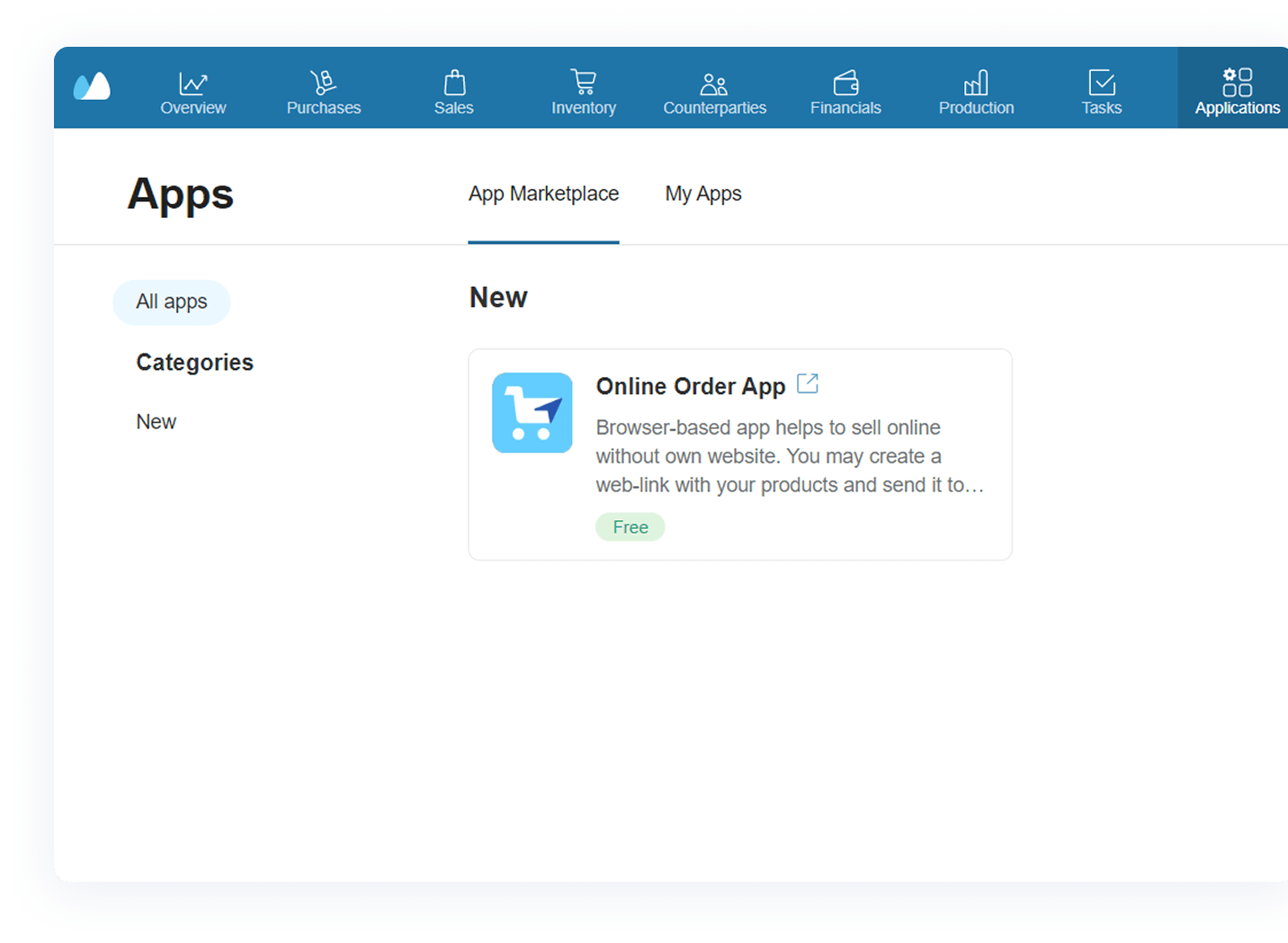
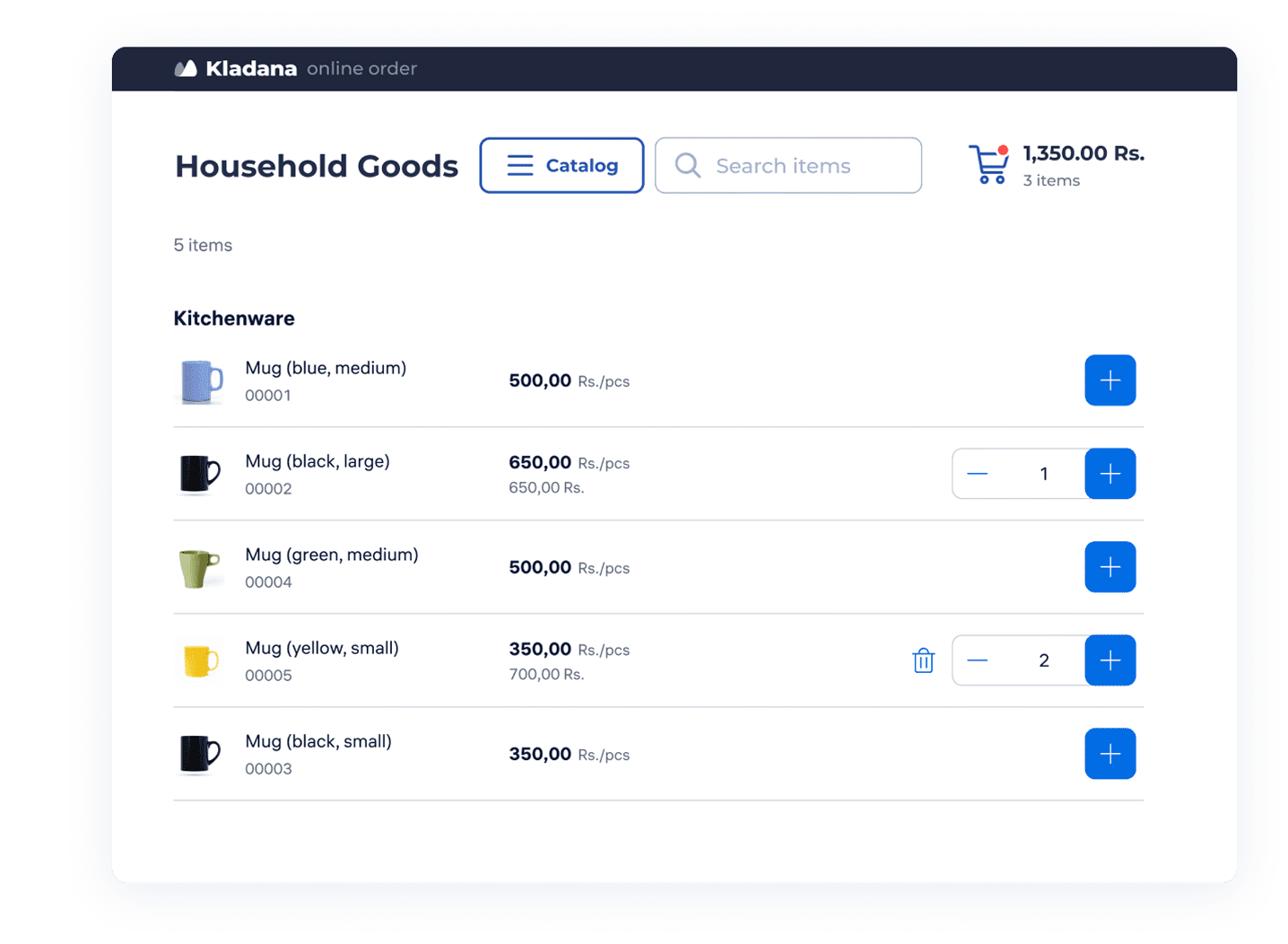
Interface of Kladana B2B order management software showing signup and catalogue upload screen Kladana Online Order App interface showing adding products and creating separate price lists for B2B clients Customer interface of Kladana B2B ordering portal showing how to place wholesale orders from a shared link Kladana ERP interface showing how wholesale orders from the Online Order App appear and are processed

Online Order
App Tutorial

In just 5 minutes, learn how to use the B2B ordering app: create public and personal catalogues for B2B customers, process sales orders, and keep inventory synced with new purchases

B2B Ordering Platform Designed for SME

Wholesalers & Manufacturers

Use case: Jivan runs an electronics manufacturing business. Most of his clients are wholesale B2B buyers, while some are retail shops.

Problem: He used to send Excel price lists and often had to recheck stock and prices manually.

Solution: With Online Order App, Jivan created two catalogues — one for wholesale buyers and one for retail clients — and now receives all bulk orders directly in Kladana ERP.

Kladana B2B order management interface showing separate catalogues for wholesale and retail buyers

Sales Agents in the Field

Use case: Deshan manufactures stationery and works with 10 field sales agents.

Problem: They used printed price lists and often mixed up orders or lost client data.

Solution: Solution: He created 10 personal catalogues in Online Order App, and now each agent places orders online, while Deshan tracks their performance in real time through his B2B order management software.

Kladana B2B order management app showing personal catalogues for field sales agents

Social Media Sellers

Use case: Shantai sells clothes via Instagram and WhatsApp.

Problem: Customers often ordered out‑of‑stock items.

Solution: Shantai created one public catalogue in Online Order App, and now customers see only available stock and place orders directly online.

Kladana B2B ordering portal showing a public catalogue link used on Instagram

Online Order App Customer Stories

FAQs about B2B Order Management with Kladana

General Questions

B2B order management software (OMS) helps wholesalers, distributors, and manufacturers collect bulk orders, track inventory in real time, and automate their wholesale order management process.

It lets you create online catalogues for B2B buyers, accept bulk orders without emails or spreadsheets, and sync all new orders and stock changes directly with Kladana ERP.

A simple way is to launch a catalogue in Online Order App and send the link to your buyers. They’ll see available stock and place orders online. Later, you can expand to full‑scale B2B e‑commerce — here’s a step‑by‑step B2B E‑Commerce Guide to help you plan it.

Yes — it’s designed for SMEs and supports bulk B2B ordering, custom price lists, and automated order processing without complex IT setup.

Our B2B ordering portal is free for all Kladana users.

No. You need to sign up for Kladana and choose any plan to access this B2B order management system.

All data (prices, inventory, orders) is handled on secure servers, transmitted over encrypted channels, and integrated with Kladana ERP ensuring only authorized users can access sensitive information.

Yes, you can browse available integrations or use our API to connect Kladana with your existing systems.

Stock & Orders

Inventory is synced in real time. If stock runs out between order and processing, the B2B order management system alerts you so you can update status and notify the customer.

Almost instantly — all inventory and price updates sync in real time with Online Order App.

No. The system supports high volumes of bulk B2B orders and scales with your business, processing all orders directly in Kladana ERP.

Catalogues & Prices

On your website, Instagram, WhatsApp profile, Google Maps, ads, or directly via messengers and emails — any B2B sales channel.

Unlimited — any number of customers or field sales agents can place orders through your B2B ordering portal.

Yes. You can create one public link for all agents (they enter their name at checkout), or create separate personal links by registering each agent as a counterparty.

Yes — you can create separate catalogues with custom prices or discounts for different customer groups (e.g. wholesalers, retail, agents).

Learn how to arrange business routines for manufacturing, wholesale, retail & e‑commerce