
Your orders show “Delivered,” but some COD payouts have yet to reach your bank account. Without clear records, it is hard to tell what the courier owes you.
To track cash on delivery payments, match each order with the courier’s collection record, settlement statement, and the payment your business receives. Check fees or deductions before you close the settlement.
This guide explains the process in five steps. You’ll learn how to check partial payouts, spot missing amounts, and link orders and payments in Kladana.
- How the COD Process Works Step by Step
- Step 1 Record the COD Order Correctly
- Step 2 Track Delivery and Collection Status
- Step 3 Record Money Received from the Courier
- Step 4 Reconcile Payments and Check Differences
- Step 5 Generate Reports for Settlements and Delays
- Best Practices to Avoid Manual Errors
- Why Kladana Makes COD Tracking Easier
- To Sum It Up
- Frequently Asked Questions About COD Payments
How the COD Process Works Step by Step
Cash on delivery (COD) means the customer pays when the order arrives. The courier collects the payment, then transfers the money to your business. That transfer is called a courier remittance.
Order Placed → Delivered → Cash Collected → Settled
- Order placed. Record the amount to collect and the courier.
- Delivered. Confirm the customer received the goods. Save proof of delivery.
- Cash collected. Verify how much the customer paid the courier.
- Settled. Match the courier’s statement with the money your business received.
A customer may have paid in full while the courier still owes your business. Record that amount as pending courier settlement.
Step 1 Record the COD Order Correctly
At order creation, mark the payment method as Cash on Delivery. Capture:
- Order and invoice numbers
- Customer and delivery details
- Amount due on delivery
- Courier and tracking number
- Expected remittance date
Subtract any prepaid deposit from the amount the courier must collect.
In Kladana, create a Sales Order and store COD details in notes. For a structured setup, add custom fields for payment method, courier, and settlement date. Custom fields require Growth, Business, or Business Plus subscription plans.
If orders still live in messages, start with our digital order tracking guide.
Step 2 Track Delivery and Collection Status
Use courier updates to confirm delivery and save the proof of delivery. Then check the collection amount and reference against courier records.
Keep three separate statuses for delivery, customer payment, and courier settlement. One order might show Delivered / Collected / Awaiting Remittance.
🚚 For example, a local shop’s driver collects $120 on a delivery route. Record the collection, then verify and record the cash handover at the shop. Both events need a date and reference.
Proof of delivery confirms the handover of goods. Payment verification for COD also needs evidence of the amount collected.
If a customer refuses delivery, record the refusal and the goods’ return. Follow your returns and refunds workflow before you adjust stock or issue a refund.
Your Cash Deserves a Tracking Too
With Kladana order management, keep sales orders, invoices, shipments, and payments connected. Your team can check related records before it chases a customer or a courier.
Step 3 Record Money Received from the Courier
To record COD payments, verify each payout against your bank statement or physical cash count. Record the receipt date, amount, courier payout reference, and related order or invoice numbers.
In Kladana:
- Open the related Sales Order or Sales Invoice.
- Select Add related → Incoming Payment for a bank transfer, or Incoming Cash Payment for physical cash.
- Enter the verified amount and receipt date. Check the company, counterparty, and bank account or cashbox.
- Save and review the linked record.
The payment recording guide also explains how to link existing payments to invoices.
For one courier payout covering several orders, use its settlement breakdown to allocate amounts. Keep the same payout reference. Record each share once.
Record the actual bank receipt and account for deducted fees separately. A courier fee is a business cost, not customer underpayment.
For full invoice settlement, account for withheld fees in your accounting records. Keep fee offsets out of bank receipts so your cash ledger matches the bank statement.
Step 4 Reconcile Payments and Check Differences
Cash on delivery reconciliation means checking that order amounts, courier collections, and business receipts agree.
Compare the order’s COD amount with the collection record. Then compare the courier’s net payout with your bank credit.
Expected payout = confirmed collections − agreed fees ± documented adjustments
For example, a courier collects $500 and deducts an agreed $20 fee. You expect $480. If only $470 arrives, investigate the $10 difference.
Check returns, refunds, holds, and earlier adjustments before you label a difference as missing cash. Customer underpayment, a courier shortfall, and a deducted fee need separate records.
Link related payments to support order and payment matching. Automatic courier matching needs a suitable integration and reliable settlement data. Keep a review step for exceptions.
Close a settlement only after every difference has an explanation. Flag unmatched receipts, duplicates, and shortfalls for follow-up.
Step 5 Generate Reports for Settlements and Delays
Check pending courier settlements daily. Group them by courier, due date, outstanding amount, and days overdue. A delay starts after the agreed remittance date.
In Kladana, use the Cash Flow Report to review recorded receipts and the Statement of Accounts for counterparty balances. Compare these with the courier’s remittance list.
Each week, review overdue amounts and unresolved differences. Repeated delays with one courier or region deserve a closer check.
For each overdue payout, record the amount, responsible person, courier case number, and next follow-up date. If the buyer has already paid the courier, direct the settlement query to the courier.
Best Practices to Avoid Manual Errors
Use one shared system for cash collection tracking. Set clear rules to manage COD transactions, including who can edit amounts or approve deductions. Assign one person to resolve exceptions and another to review corrections.
Daily COD Checklist
- Refresh delivery and collection records.
- Match remittances with bank receipts.
- Check totals by courier and currency.
- Investigate duplicate entries and shortfalls.
- Follow up on overdue settlements.
Keep statements, collection evidence, and correction notes with the related records. Restrict who can edit financial entries. Keep the working history in your main system so the team can trace each correction.
Why Kladana Makes COD Tracking Easier
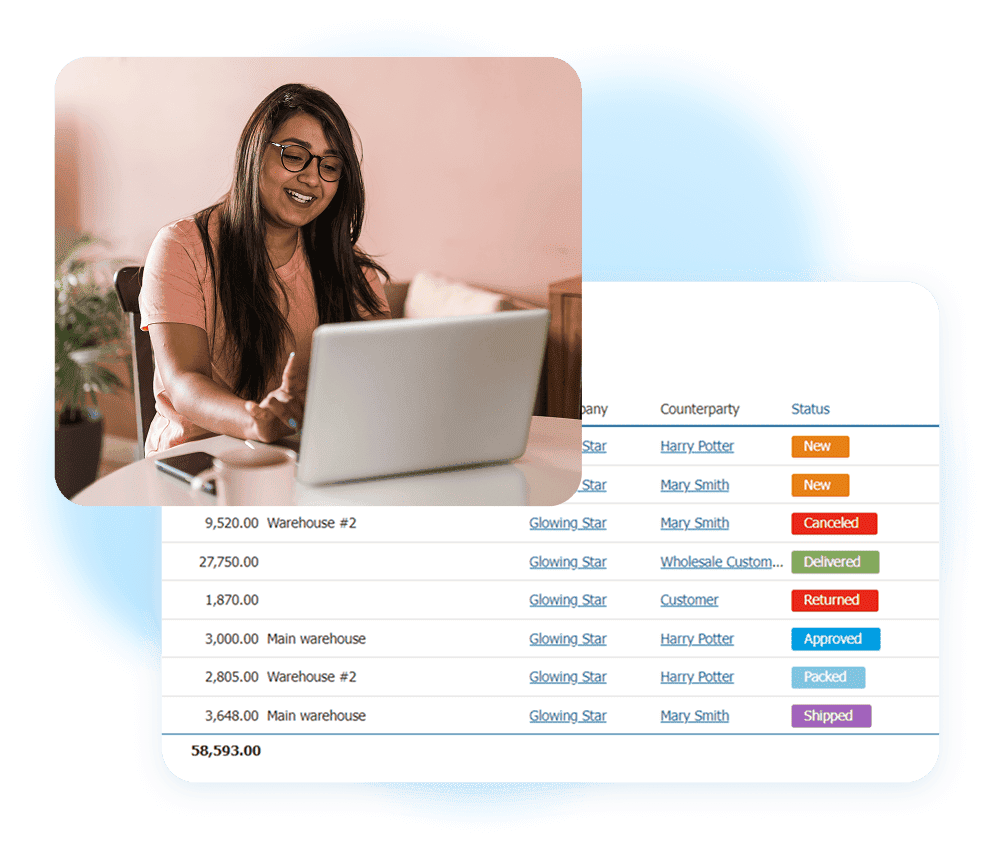
Kladana order and payment tracking keeps sales records connected. Create invoices and shipments from orders, add related payments, and review financial reports.
Use order notes or custom fields to retain courier references and collection details. Review linked receipts before you close an order. Keep customer debt separate from money awaiting courier remittance within your accounts receivable process.
To Sum It Up
Record the order, confirm collection, log the actual receipt, and resolve differences before you close a settlement. Check overdue payouts against the courier’s agreed schedule.
The goal is simple: every amount collected has a traceable outcome. Try Kladana and keep your COD order history connected to payment records.
Frequently Asked Questions About COD Payments
These answers cover common COD payment questions. Use them to set clear rules for your team.
What Is the Best Way to Track COD Payments?
Link order, collection, and payout records. Reconcile courier statements with verified receipts. Keep delivery, customer payment, and settlement statuses separate.
How Can I Record Cash Collected by Couriers?
Record the courier’s collection amount and date. Record the business receipt when the payout arrives. Retain both references.
What If the Courier Delays Settlement?
Check the agreed due date. Contact the courier with order IDs, payout references, expected amounts, and any missing bank credits.
How Should I Handle Partial COD Payments?
Separate customer underpayment from a partial courier payout. Record each receipt and the remaining balance. Accept customer part-payment only if your courier arrangement allows it.
Can COD Orders Be Tracked Automatically?
Supported integrations can automate delivery updates and record creation. Collection and settlement checks depend on the data and tools you connect.
What Is the Difference Between Order Status and Payment Status?
Order status shows fulfillment progress. Customer payment status shows whether the buyer paid. Settlement status shows whether your business received the courier’s payout.
How Often Should I Reconcile COD Payments?
Check new collections and receipts daily. Reconcile each payout batch and review overdue balances weekly.
Can One System Track Prepaid and COD Orders?
Yes. Label the payment method clearly. Prepaid orders need payment confirmation; COD orders also need collection and courier settlement checks.
How Do I Detect Missing or Duplicate Payments?
Compare order IDs, collection references, payout references, and amounts. Investigate duplicate entries and unmatched balances before you close a settlement.
Is There a Report for Pending COD Settlements?
Use your courier’s pending remittance report. Review Kladana’s linked payment records and counterparty balances alongside it.