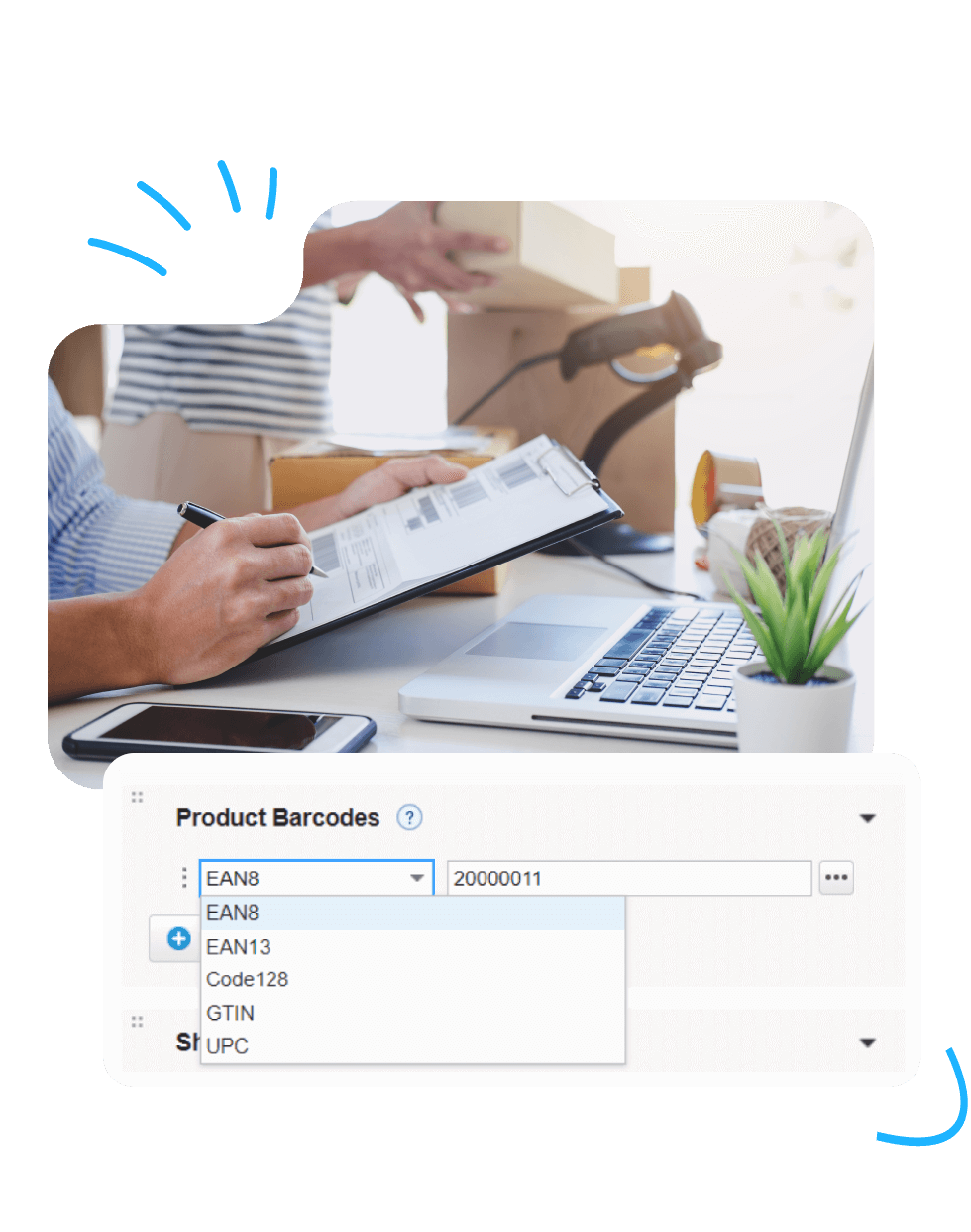
Select one of the five supported formats:
- EAN‑13
- EAN‑8
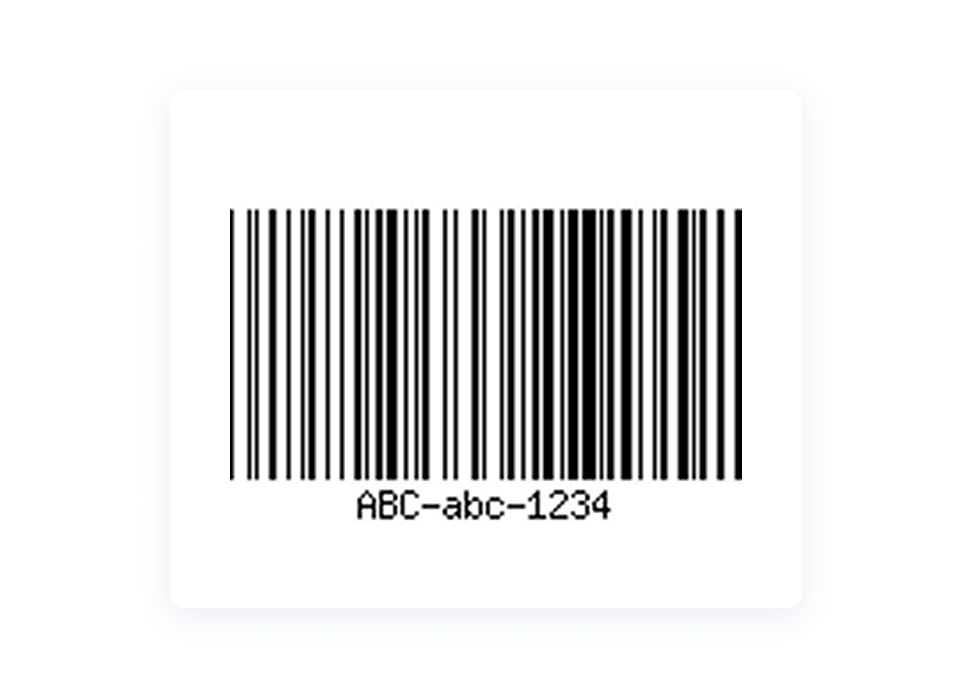
- Code 128
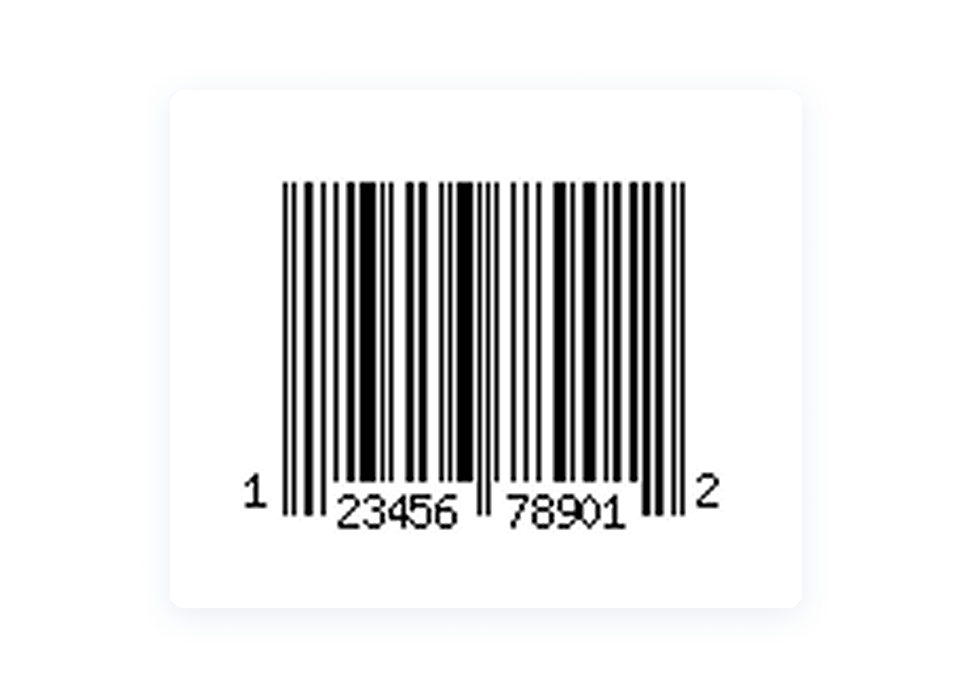
- UPC
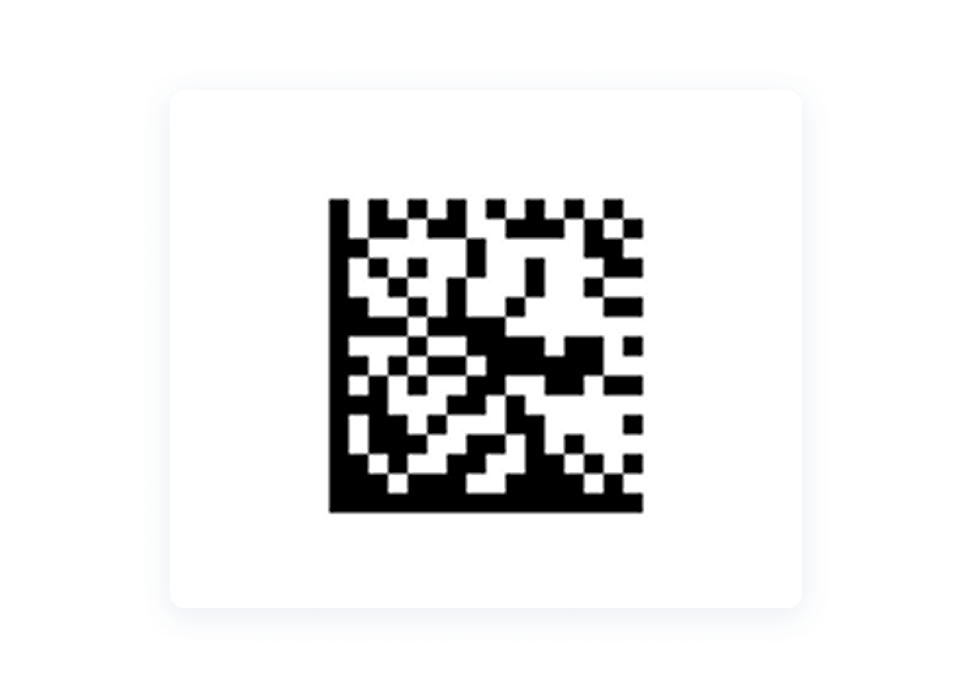
- Data Matrix
If you’re unsure which format to choose, start with Code 128 — it’s universal, widely supported, and works with nearly all barcode scanners.
Select one of the five supported formats:
If you’re unsure which format to choose, start with Code 128 — it’s universal, widely supported, and works with nearly all barcode scanners.
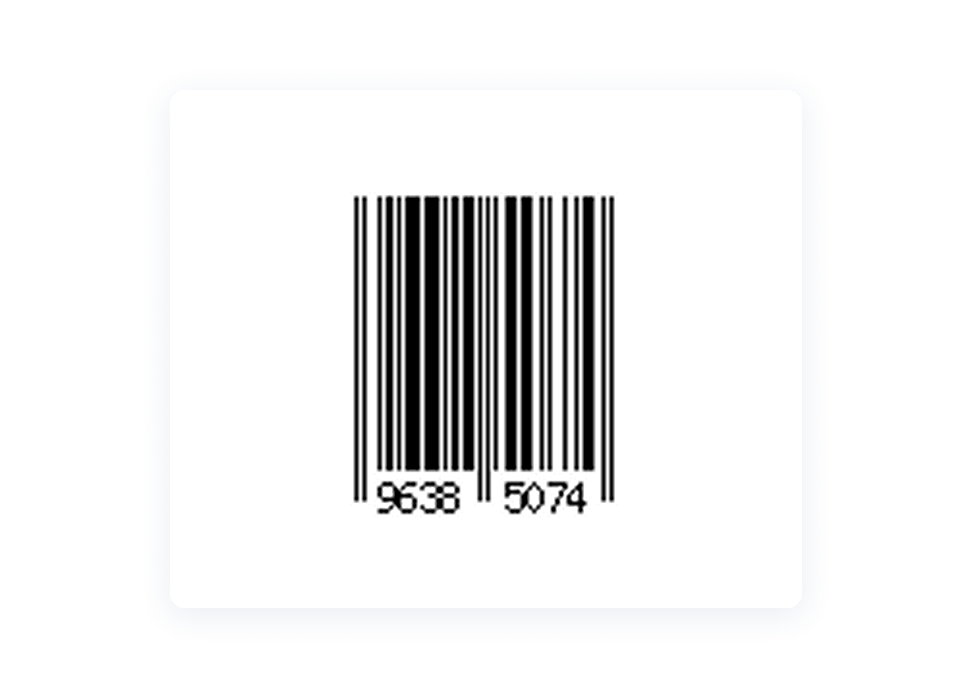
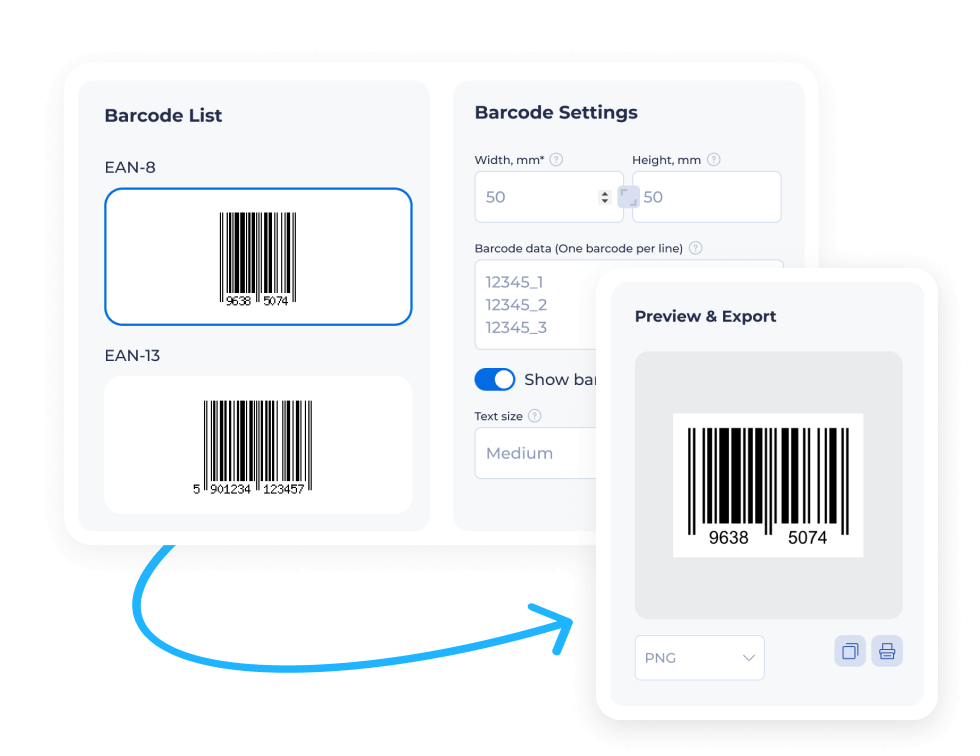
In the Barcode data field, enter the characters that will be encoded:
This is the fastest way to create multiple barcodes in bulk using the online barcode generator.
Customize the appearance of your barcode:
All elements — bars, spacing, and numbers — automatically adapt to the selected dimensions.
The preview updates instantly as you modify your settings, so you can fine‑tune the barcode before exporting it.
Download your barcode in one of the available formats:
SVG is ideal if you need a scalable, print‑ready barcode.
Click Download to save the generated barcode. You can print it, add it to product labels, or upload it to your inventory system.
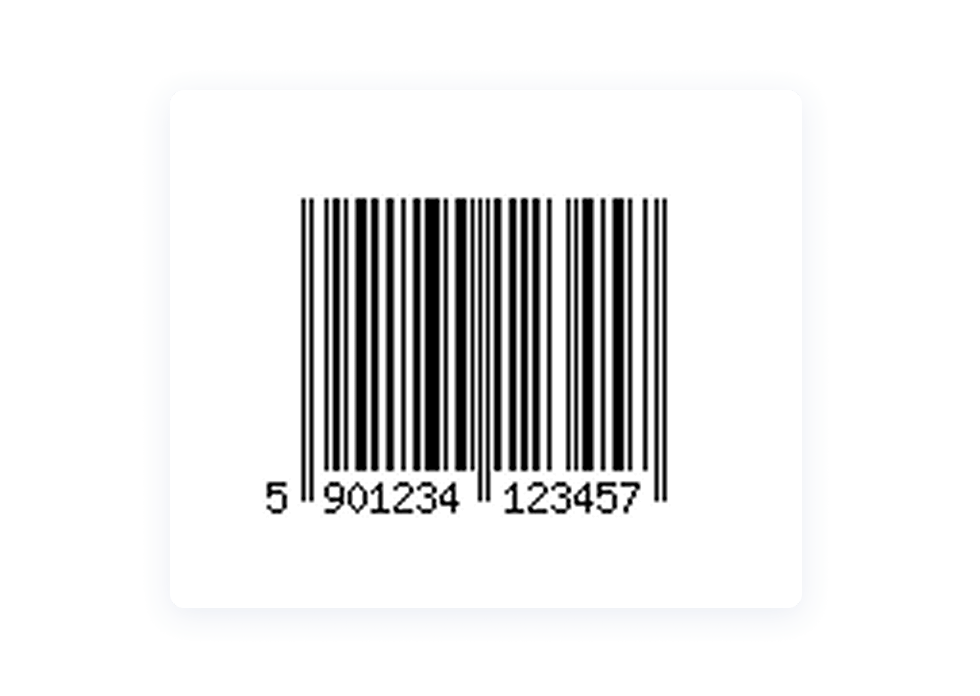
EAN‑13 is the global standard for retail product marking. It is widely used in supermarkets, consumer goods, and international trade. Most GS1‑registered products worldwide rely on this format because it’s easy to scan and supports automated checkout systems.
Typical use cases:
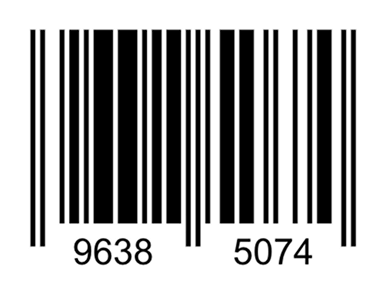
EAN‑8 is a compact version of the EAN standard. It is used when packaging space is limited and the full EAN‑13 code doesn’t fit the design. Despite its smaller size, it still provides fast and reliable scanning.
Typical use cases:
Code 128 is a versatile, high‑density barcode widely used in logistics, warehousing, and internal business operations. It supports numbers, letters, and special characters — ideal for encoding structured data like SKUs, batch numbers, and internal identifiers.
Typical use cases:
Data Matrix is a 2D barcode that stores large volumes of information in a compact space. It is exceptionally durable and can be scanned even when partially damaged, making it popular in manufacturing, electronics, and healthcare.
Typical use cases:
UPC (Universal Product Code) is the dominant retail barcode format in the United States and Canada. It is used for point‑of‑sale scanning, product identification, and stock management.
Typical use cases:
A barcode is a machine-readable code that stores product or item information using a sequence of lines, spaces, or geometric patterns.
Barcodes help automate product identification, speed up checkout, track inventory, and reduce manual errors.
They are widely used in retail, ecommerce, logistics, manufacturing, and warehouse operations.
Most businesses rely on standard barcode formats such as EAN‑13, UPC, Code 128, EAN‑8, and Data Matrix, all of which you can generate using our free online barcode generator.
In Kladana, barcodes do more than label products — they streamline workflows, speed up stock movement, and help you keep full control over your inventory
Yes. The free barcode generator has no limits and does not require registration.
Yes. Enter several lines of data — each line becomes a separate barcode when you generate barcode online.
You can create: EAN‑13, EAN‑8, UPC, Code 128, and Data Matrix.
Absolutely. Kladana calculates pre‑production cost estimates based on:
Yes, but retail barcodes require official GS1 numbers. For commercial use, purchase your company prefix at GS1.org.
Yes. Formats like Code 128 support letters, numbers, and special characters.
Download the barcode image and print it at 300 dpi for accurate scanning.
No. The barcode generator tool works entirely in your browser. We do not collect or save any data you enter.
Choose Code 128. It’s universal, compact, and supported by almost all barcode scanners.
Yes. Many businesses use our barcode generator for inventory, shelf labels, storage bins, and internal operations.
Yes. You can export barcodes as PNG, JPEG, or SVG depending on your needs.
Absolutely. You can generate barcodes here and use them inside Kladana for products, bins, documents, and warehouse operations.
Yes. If you enter multiple lines of data, the tool generates multiple barcodes, which you can then download.
Learn how to arrange business routines for manufacturing, wholesale, retail & e‑commerce