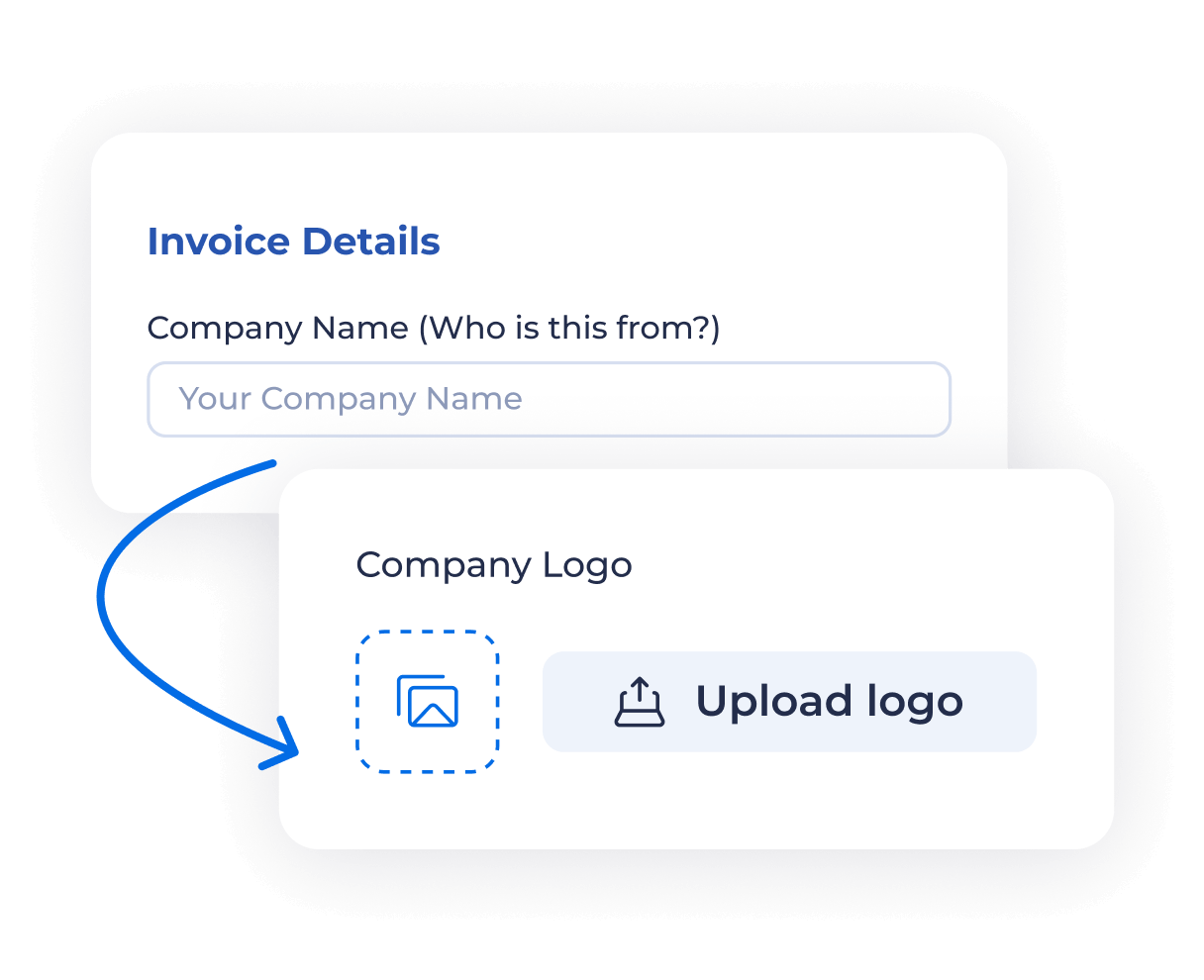
1. Enter your company information
- Add your business name and address to make your invoice look professional and branded
- Optional: upload your company logo in PNG or SVG format for a clean header design
Create & Download Invoices Instantly
| Description | Qty | Rate | Amount |
|---|---|---|---|
| {{ item.desc }} | {{ item.qty }} | ${{ item.rate.toFixed(2) }} | ${{ getItemAmount(item) }} |
{{ notes }}
{{ terms }}
| Description | Qty | Rate | Amount |
|---|---|---|---|
| {{ item.desc }} | {{ item.qty }} | ${{ item.rate.toFixed(2) }} | ${{ getItemAmount(item) }} |
{{ notes }}
{{ terms }}
Fill in essential fields such as:
These details help both parties track payments accurately
List your products or services with:
The total is calculated automatically, reducing manual errors
Add:
The tool updates all calculations instantly
Check the subtotal, taxes, discounts, and final balance due. The summary gives you a clear breakdown of all amounts before sending to your client
The PDF format includes your logo, itemized details, and total — ready for sending or record-keeping
Click “Generate Invoice” to:
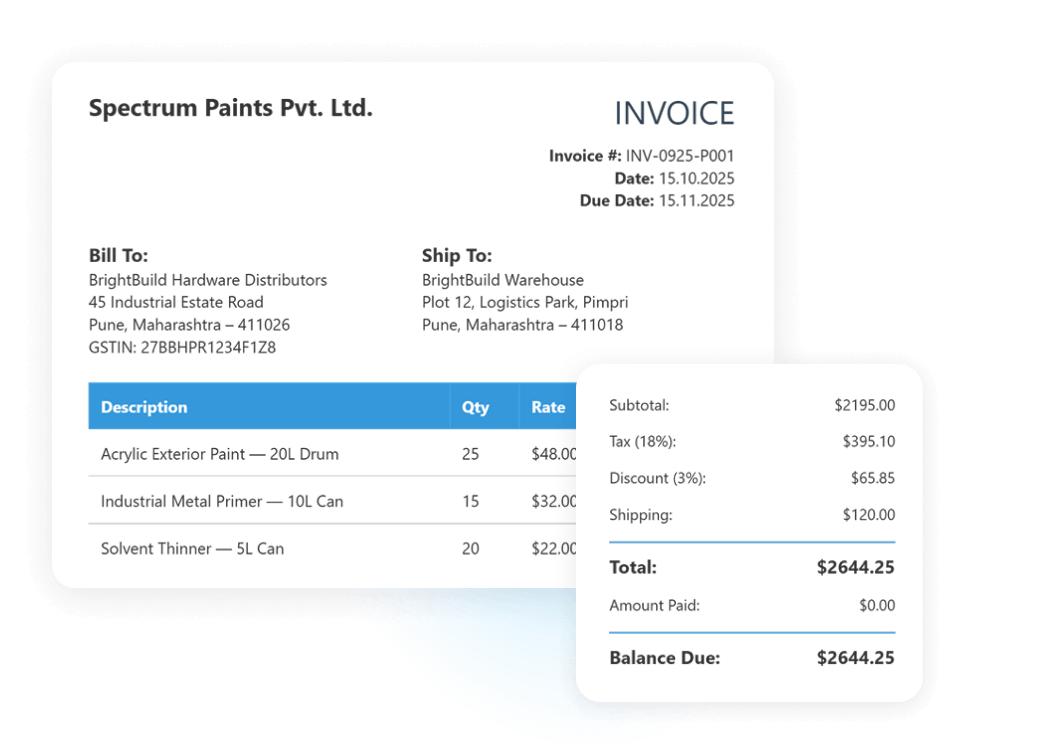
Start creating invoices right away. No logins, no hidden fees — just open the tool and get started
Generate clean, client-ready invoices that reflect your brand and build trust with customers
The tool automatically handles item totals, taxes, and discounts — so you never need to recheck your math
Whether you run a manufacturing unit, retail store, or freelance service — fields adapt to your workflow
Download your invoice as a high‑quality PDF for easy sharing, archiving, or accounting use
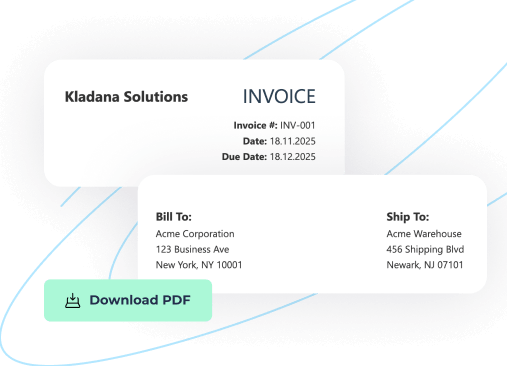
Invoices are more than payment requests — they help you:
You don’t need any accounting background to create a professional invoice. Just follow these simple steps — it takes less than 5 minutes:
1. Enter your business details — company name and address
2. Add client information — fill in the Bill To and Ship To sections
3. Add products or services — list each item with its description, quantity, and rate
4. Apply tax, discount, or shipping — all totals update automatically
5. Generate and download PDF
Try creating a sample invoice first to test your layout and fields — it helps ensure a clean, professional result when sending to clients
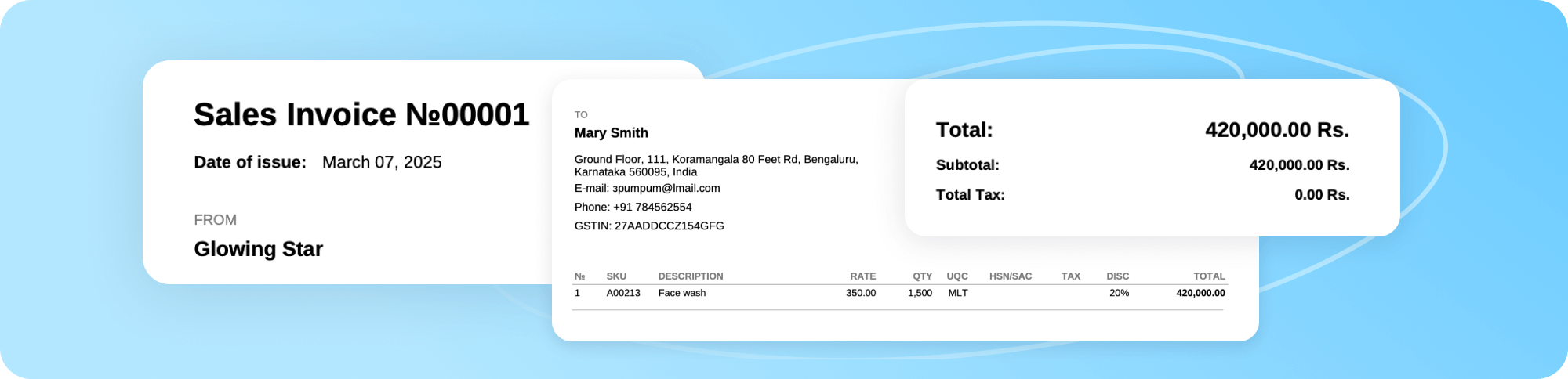
Learn how to arrange business routines for manufacturing, wholesale, retail & e‑commerce