1. Select static or dynamic mode
- Static — data embedded
- Dynamic — editable target via redirect
Create Static & Dynamic Codes Instantly
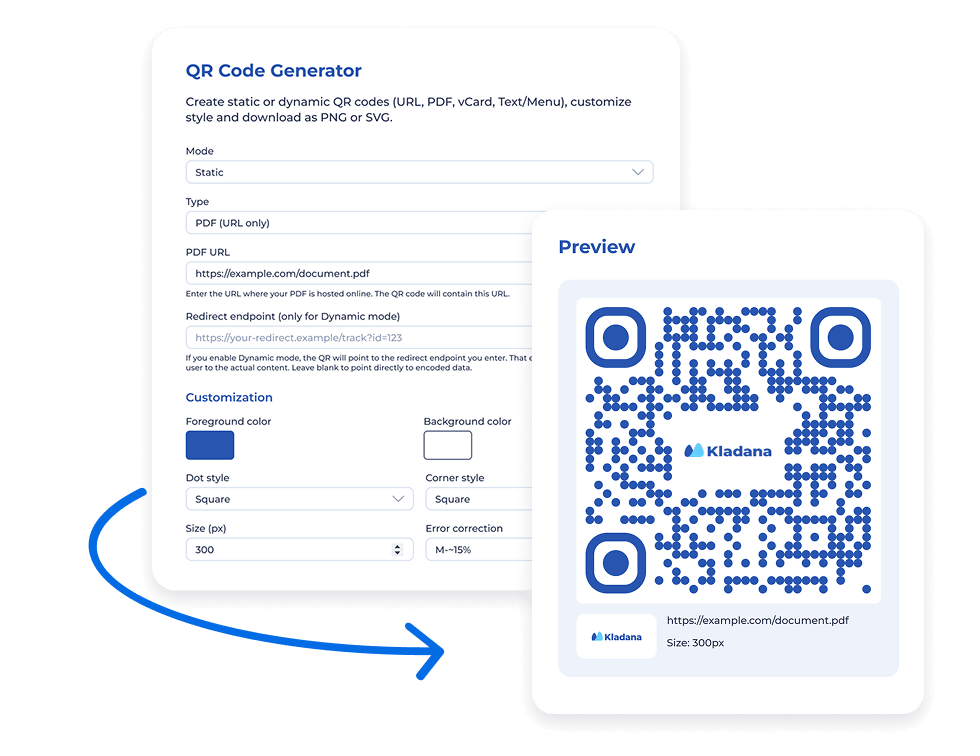
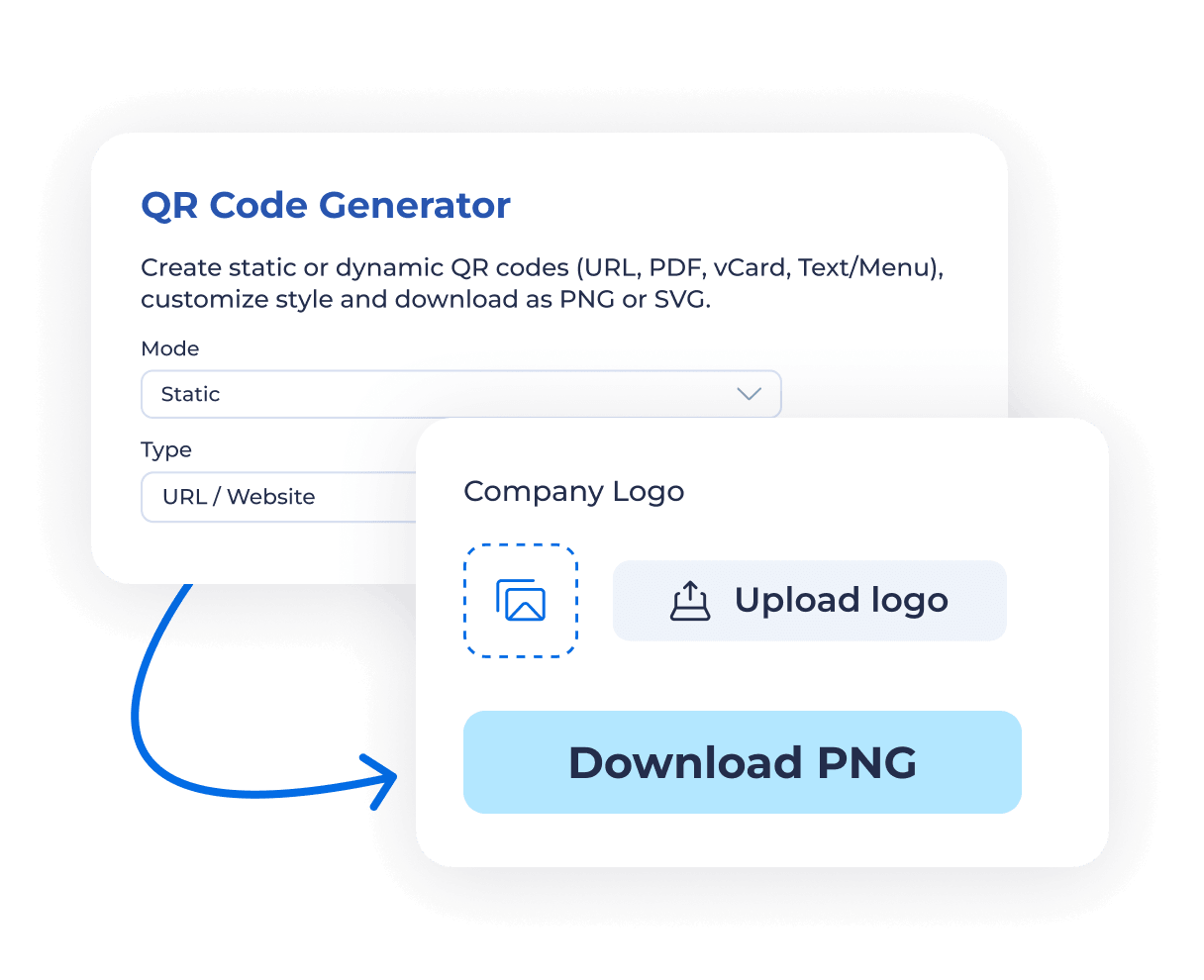
Create static or dynamic QR codes (URL, PDF, vCard, Text/Menu), customize style and download as PNG or SVG.
 No logo
Pick the data source you need
Paste a link/text, fill vCard fields, or link to a PDF
Set colours, dot/corner styles, dimensions, and add a logo
Verify readability and contrast
Create QR codes that link directly to your website, online store, or landing page. Perfect for marketing campaigns, packaging, or social media posts.
Share menus, flyers, price lists, or brochures by linking to a PDF.
Generate a QR code with your full contact details — ideal for business cards and networking events. Type in:
Display simple text, short instructions, or a small menu directly when scanned — no internet connection needed.
Use dynamic QR codes when you want to update the target URL later — great for long‑term printed materials.
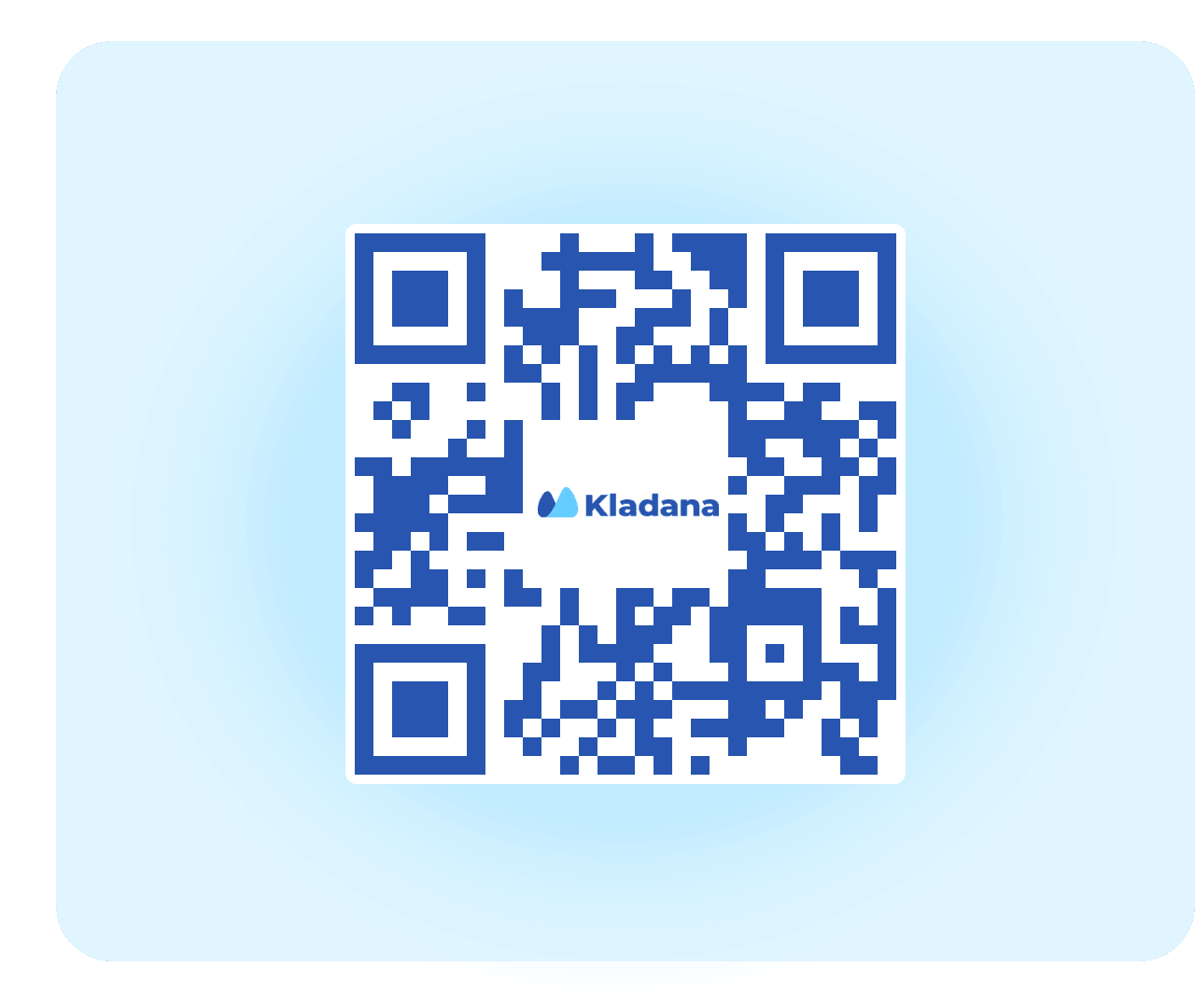
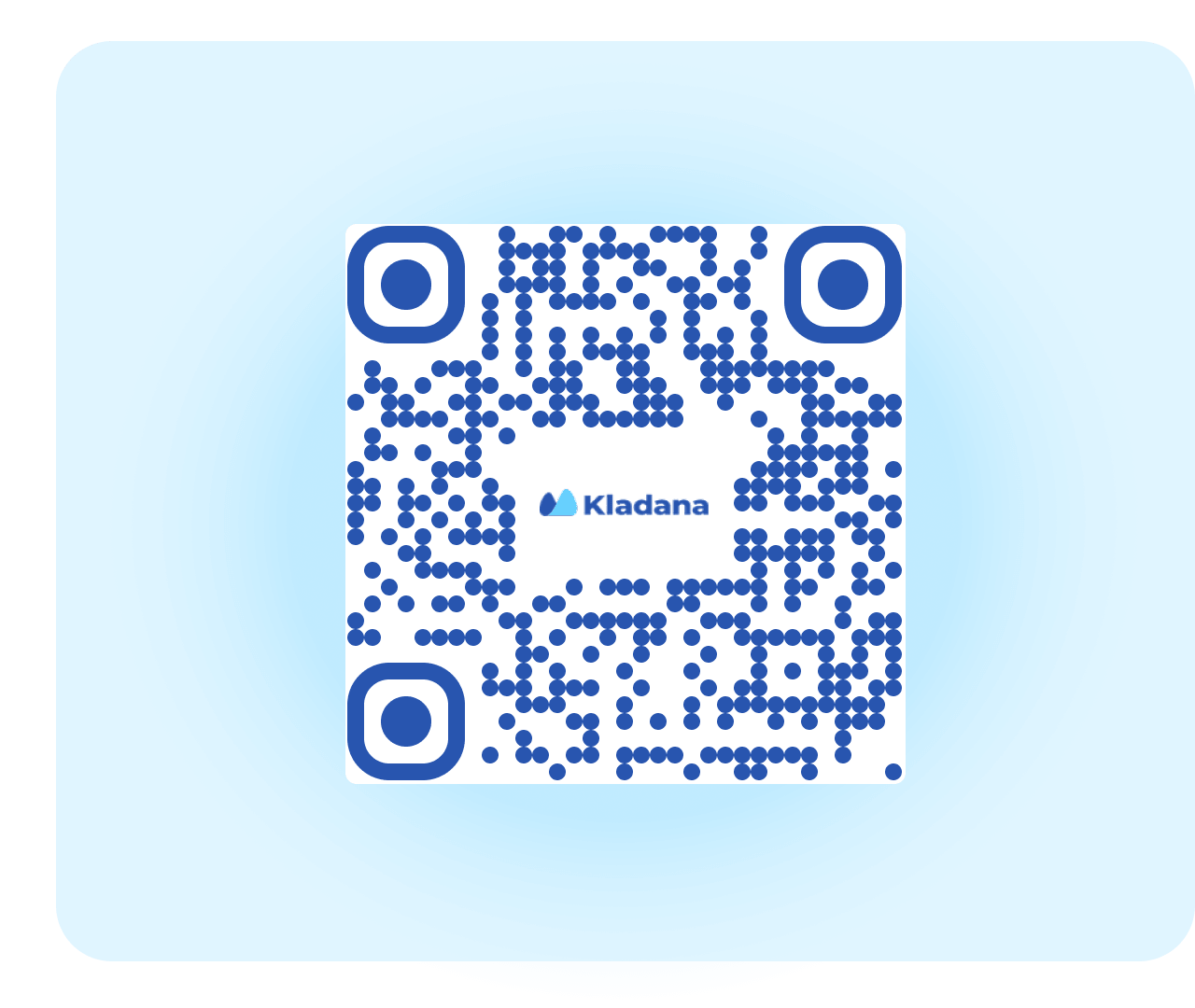
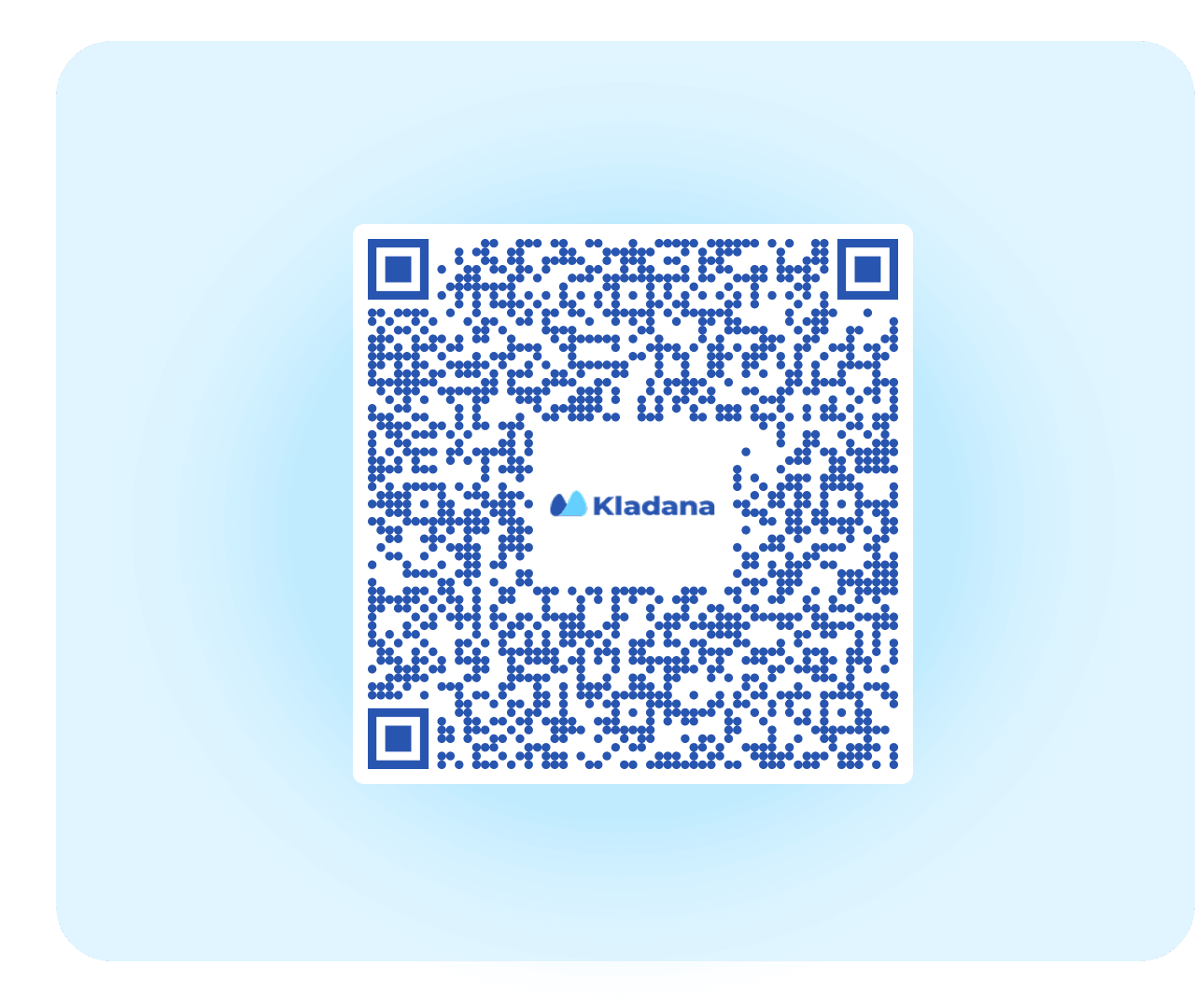

Adjust colours to match your brand. Keep high contrast between the foreground and background to ensure scannability.

Choose from classic squares, rounded dots, or mixed patterns. Custom corners make your QR code visually unique while staying readable.

Set your preferred dimensions for web or print use. Pick an error correction level:

Upload your company logo to appear in the center of the QR code. Recommended for professional branding on printed materials.
Start generating QR codes instantly — no sign‑up or credit card required. The tool runs directly in your browser and saves your settings locally.
Choose between permanent static codes or dynamic links that you can update later. Ideal for testing campaigns or long‑term printed materials.
Add brand colours, rounded styles, and your logo to create marketing-ready QR codes.
Export in PNG for websites and SVG for posters, packaging, or flyers. All codes are vector‑sharp and print‑ready.
From restaurant menus to event passes — use QR codes anywhere your audience scans.
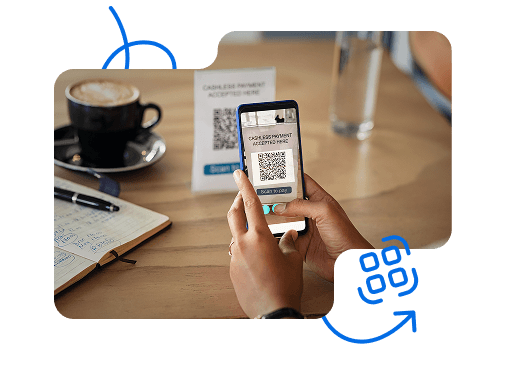
A QR code (Quick Response code) is a two‑dimensional barcode that stores data such as a website link, text, contact, or file reference.
It’s based on the international standard ISO/IEC 18004, which defines its structure, encoding, and error‑correction levels.
When scanned by a smartphone camera or reader app, the code instantly displays information or redirects to the intended destination — no typing or searching required.
Add QR codes to product boxes for manuals, warranty info, or authenticity checks
Replace printed menus or brochures with instant PDF or URL access
Embed contact data (vCard) for quick sharing or registration forms
Label materials and parts for digital traceability and inventory control
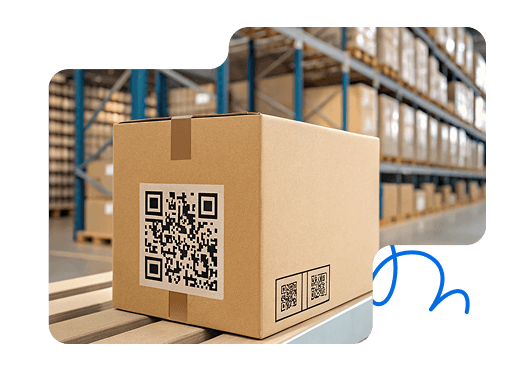
If you’re new to QR codes, start simple:
1. Select “Static” mode — perfect for basic, unchanging links.
2. Choose “URL” type — paste your website or landing page.
3. The preview updates automatically as you type.
4. Download as PNG — ideal for online use or small prints.
Once you’re comfortable, try dynamic QR codes to edit your target link later without reprinting
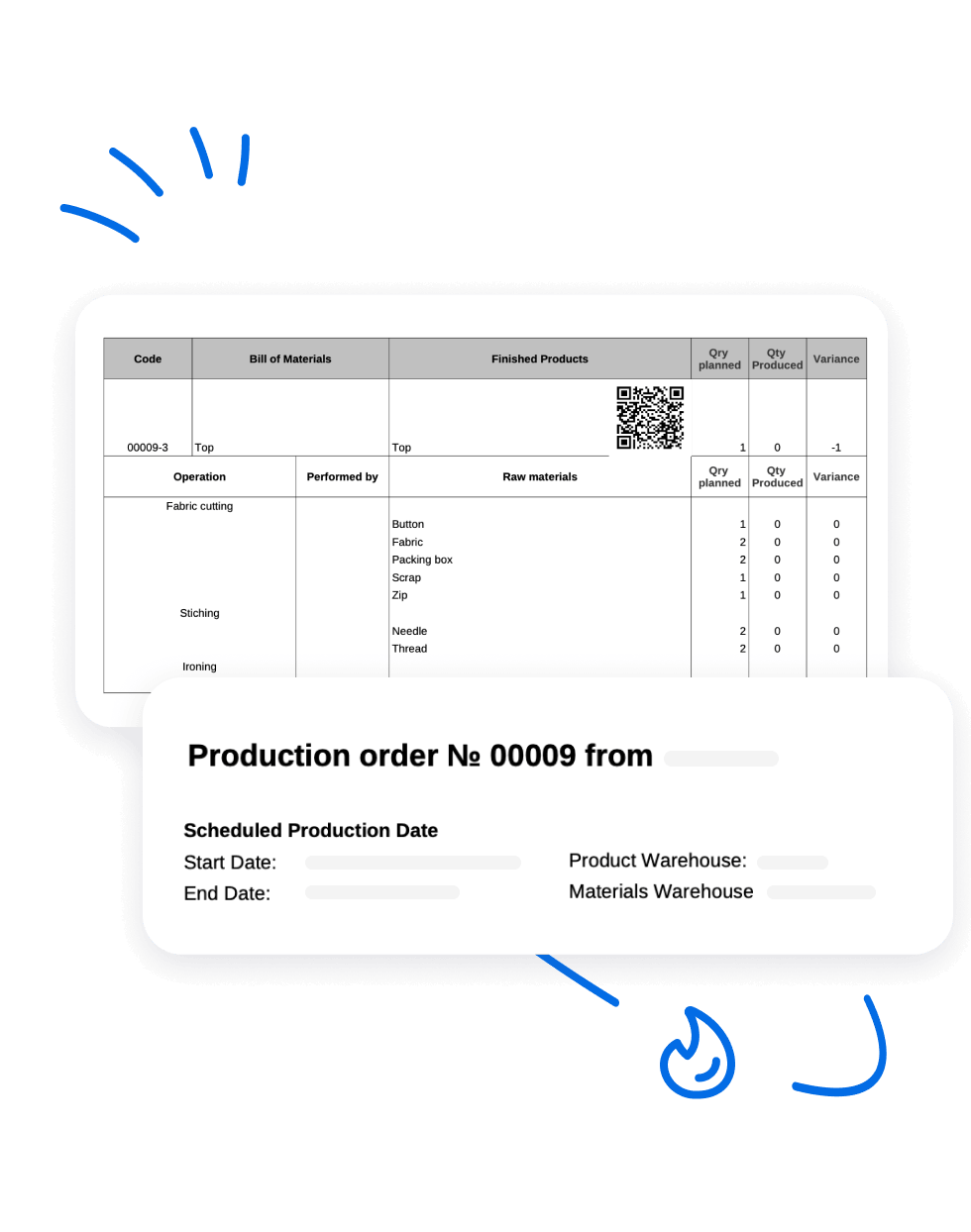
In Kladana, QR codes aren’t just visuals — they’re tools for control. Use them to identify items, link documents, and track every movement across your business

Yes. Upload a small logo or icon — it will appear in the center of the code. To keep it scannable, increase the error correction level (Q or H) and maintain clear contrast.
QR codes include a built-in system that allows them to be read even if partially damaged. There are four levels — L (7%), M (15%), Q (25%), and H (30%) — showing how much of the code can be restored.
Upload your menu, flyer, or brochure online (for example, to your website or cloud storage) and create a QR code that links to it. This keeps the code clean, lightweight, and easy to scan.
Generally yes — but always verify the source. Avoid scanning unknown codes from suspicious emails or unverified posters, as they can lead to phishing links.
Only dynamic QR codes can be tracked. They let you measure scans, locations, and devices through redirect analytics — ideal for marketing campaigns.
Learn how to arrange business routines for manufacturing, wholesale, retail & e‑commerce